Topics Covered:
Helpful tools for this guide
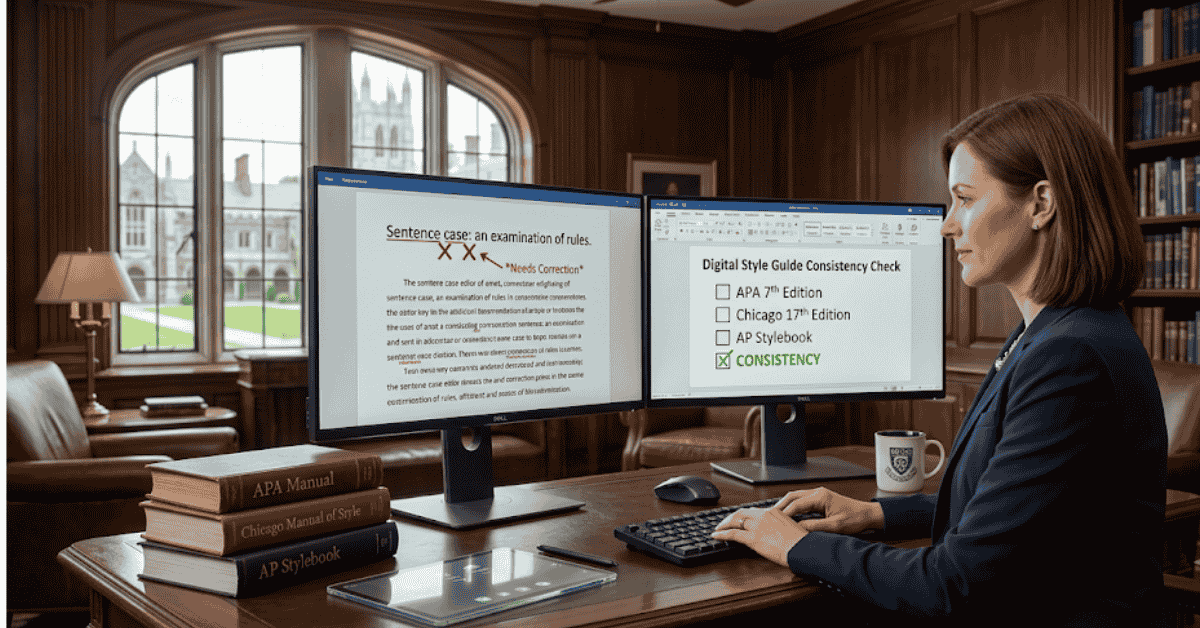
Sentence case is a capitalization style in which you capitalize the first word and any words that normally require capitals, such as proper nouns, brand names, and many acronyms. Most other words remain lowercase.
For example:
How Google Docs counts words in a document
"How" is capitalized because it begins the heading, while "Google Docs" keeps its official capitalization because it is a product name.
The basic rule is simple, but real documents create edge cases involving subtitles, colons, acronyms, hyphenated words, APA references, product names, and automated case converters. This guide covers those cases with practical examples.
Sentence case: Quick answer
| Element | What to Do |
|---|---|
| First word | Capitalize it |
| Ordinary words | Usually lowercase |
| Proper nouns | Keep their required capitals |
| Brand and product names | Preserve official capitalization |
| Acronyms and initialisms | Keep established capitalization, such as SEO or NASA |
| Pronoun "I" | Always capitalize |
| Subtitle after a colon | Depends on the style guide; APA has a specific rule |
The short version is: lowercase ordinary words, but do not lowercase words that have an independent reason to remain capitalized.
Table of Contents
- What sentence case means
- The capitalization rules
- Correct examples
- Sentence case vs title case
- Sentence case in APA references
- What happens after a colon?
- Proper nouns, brands, and acronyms
- Hyphenated words
- Sentence-style capitalization in digital products
- How to convert text safely
- Common capitalization mistakes
- The CountFlows 5-point check
What Does Sentence Case Mean?
Sentence case applies the capitalization pattern used in normal prose to a title, heading, label, or other short piece of text.
Instead of capitalizing most major words, you normally capitalize the opening word and preserve capitals that are required for another reason.
For example:
Improving customer service with better response templates
Only "Improving" needs a capital here because the remaining words are ordinary common nouns and modifiers.
Now compare:
Improving customer service with Microsoft Teams
"Microsoft Teams" remains capitalized because it is a product name. The capitalization style does not override the spelling of a proper name.
The Main Sentence Case Rules
- Capitalize the first word. The first ordinary word of a heading or title begins with a capital letter.
- Keep proper nouns capitalized. Names of people, countries, cities, organizations, and other proper nouns retain their capitals.
- Preserve official brand and product capitalization. Examples include Google Docs, Microsoft Word, iPhone, YouTube, and ChatGPT.
- Keep established acronyms and initialisms intact. Do not turn SEO into "Seo" or NASA into "Nasa" simply because the surrounding title uses lowercase words.
- Capitalize the pronoun "I." It remains uppercase wherever it appears.
- Lowercase ordinary words unless another rule applies. Nouns, verbs, adjectives, articles, conjunctions, and prepositions do not receive capitals merely because they appear in a heading.
Style guides can add special rules, particularly for subtitles and references, so context still matters.
Sentence Case Examples
| Input or Idea | Sentence-Style Version | Why |
|---|---|---|
| A guide about remote teams | How remote teams manage different time zones | Only the opening word requires a capital |
| A Google Docs tutorial | How to check word count in Google Docs | Google Docs is a product name |
| A Pakistan example | Freelancing opportunities for students in Pakistan | Pakistan is a proper noun |
| An SEO article | How SEO affects content planning | SEO keeps its established uppercase form |
| An iPhone guide | How to change privacy settings on an iPhone | iPhone keeps Apple's official capitalization |
| A personal statement | Why I changed my research method | The pronoun I remains uppercase |
Sentence Case vs Title Case
The main difference is how many words receive capitals.
| Feature | Sentence Case | Title Case |
|---|---|---|
| First word | Capitalized | Capitalized |
| Major words | Usually lowercase unless independently capitalized | Usually capitalized |
| Proper nouns | Capitalized | Capitalized |
| Articles and short prepositions | Normally lowercase | Rules vary by style guide |
| Example | How to improve your writing skills | How to Improve Your Writing Skills |
Title case is not one universal formula. APA, Chicago, MLA, and other style systems have their own details about which words count as major or minor.
That is why a document should follow the style guide that actually governs it instead of switching capitalization based on personal preference.
How APA Uses Sentence Case in References
APA makes an important distinction between the title of a work and the name of a periodical that contains that work.
In APA reference entries, titles of works such as journal articles, books, reports, and webpages generally use sentence case.
Periodical names, such as journal and magazine titles, retain title case.
| Reference Element | Capitalization | Example |
|---|---|---|
| Journal article title | Sentence case | The effects of sleep on memory |
| Book title | Sentence case | Understanding digital communication |
| Webpage title | Sentence case | How students use online learning tools |
| Journal name | Title case | Journal of Educational Psychology |
APA also capitalizes the first word of a subtitle. If a colon separates a title and subtitle, the first word after the colon receives a capital.
Example:
Digital learning habits: A study of university students
"A" begins the subtitle, so it is capitalized in an APA reference title.
The official APA Style capitalization guidance should take priority when you are formatting an APA paper.
Should You Capitalize the Word After a Colon?
There is no single answer for every context.
If the colon introduces a subtitle in an APA reference title, capitalize the first word after it.
For ordinary prose, another style guide may use a different rule. Google, for example, distinguishes normal prose after a colon from titles and subheadings.
The safest approach is:
- identify whether you are writing prose, a heading, or a reference title
- check the style guide governing that document
- apply the same rule consistently throughout
Avoid using the shortcut "always capitalize after a colon" or "never capitalize after a colon." Both are too broad.
Proper Nouns, Brands, and Acronyms
One of the most common errors is converting every word except the first one to lowercase.
That would turn:
How NASA uses Google Cloud for research
into:
How nasa uses google cloud for research
The second version is incorrect because capitalization required by names and abbreviations still applies.
Watch especially for:
- people: Albert Einstein
- places: New York, Saudi Arabia, Pakistan
- companies: Microsoft, OpenAI, Google
- products: Google Docs, Microsoft Word, ChatGPT
- brands with unusual styling: iPhone, eBay
- acronyms and initialisms: SEO, HTML, PDF, NASA
- technical identifiers whose case has meaning
What About Hyphenated Words?
Do not automatically capitalize the second part of every hyphenated word. In sentence-style text, ordinary components generally remain lowercase unless another rule requires capitalization.
For example:
Evidence-based strategies for student learning
"based" does not need a capital simply because it follows a hyphen.
However, brand names, proper nouns, and specialist terms may have their own official spelling. Preserve that spelling rather than forcing the text through a generic capitalization rule.
Sentence-Style Capitalization in Apps and Documentation
This capitalization style is not limited to essays and references. It is also widely used in digital interfaces and technical documentation.
Microsoft's current writing guidance uses sentence-style capitalization for most titles, headings, labels, and other interface text. Its basic rule is to capitalize the first word and proper nouns.
Google also instructs writers to use sentence case for headings and titles in its developer documentation.
These examples show why you may encounter headings such as:
- Create a new project
- Change account settings
- Manage API access
- Connect to Google Cloud
References: Microsoft Style Guide and Google developer documentation style guide .
How to Convert Text to Sentence Case
For a short heading, manual conversion is straightforward:
- Capitalize the opening word.
- Lowercase ordinary words.
- Restore proper nouns and official names.
- Restore acronyms and initialisms.
- Check any subtitle or style-guide-specific rule.
For longer text, use the CountFlows Case Converter to change capitalization quickly.
Important limitation of automatic conversion
Case conversion looks simple to software, but meaning is not always obvious from the letters alone.
A converter may not automatically know that "eBay," "iPhone," "NASA," a person's surname, or an unusual product name requires special capitalization.
After automatic conversion, do one manual scan for proper nouns, brands, acronyms, and technical terms. This takes only a few seconds and prevents the most noticeable capitalization errors.
Common Sentence Case Mistakes
| Mistake | Wrong | Better |
|---|---|---|
| Using title case by habit | How To Improve Your Writing Skills | How to improve your writing skills |
| Lowercasing a proper noun | Working remotely from pakistan | Working remotely from Pakistan |
| Changing an acronym | How Seo tools analyze content | How SEO tools analyze content |
| Changing brand styling | How to back up your Iphone | How to back up your iPhone |
| Applying one colon rule everywhere | Assuming the next word is always lowercase | Follow the governing style guide |
| Mixing styles on one page | Some Headings Look Like This | Keep the chosen heading style consistent |
The CountFlows 5-Point Sentence Case Check
Before publishing a title, label, heading, or reference entry, scan it from left to right using these five checks:
- Start: Is the opening word capitalized correctly?
- Names: Are people, places, organizations, products, and brands preserved?
- Special terms: Are acronyms, initialisms, and technical identifiers still correct?
- Subtitle: If there is a colon or dash, does your style guide require the next word to be capitalized?
- Consistency: Are ordinary words lowercase throughout the rest of the text?
This catches most errors that a simple lowercase conversion can miss.
When Should You Use Sentence Case?
Use it when your organization's style guide requires it or when the content system you are writing for follows sentence-style headings, labels, or titles.
Common examples include:
- ordinary sentences
- many website and app interface labels
- technical documentation that follows a sentence-style guide
- some website headings
- titles of works in APA reference entries
Do not assume it is correct for every title. Book publishing, newspapers, academic styles, brands, and organizations may follow different conventions.
Bottom Line
Sentence-style capitalization is simple at its core: capitalize the opening word, preserve words that legitimately require capitals, and lowercase ordinary words.
The details matter when proper nouns, acronyms, brands, subtitles, references, or technical terms appear. APA also adds specific rules for reference titles, while organizations such as Microsoft and Google use sentence-style conventions in digital content.
If you are converting a large block of text, use the Case Converter for the mechanical change, then perform the five-point check above to catch names and terms that software may not understand from context.
Related Articles
Continue with closely related CountFlows guides.
Writing & Education
Academic Writing Guide: Structure, Examples & Tips for Students
A practical guide to academic writing, including structure, evidence, paragraph building, assignment command words, examples, citations, and editing.
Writing & Education
Essay Word Count Guide: How Long Is an Essay? (By Level)
Word count problems start at the outline stage, not the writing stage. Learn essay lengths by level, paragraph word counts, the exact 10% rule for common lengths, and where your word count actually goes.
Writing & Education
How Many Pages Is 2,000 Words? Single & Double Spaced
A standard page holds about 500 words single-spaced or 250 words double-spaced. See page estimates for essays, books, handwriting, speeches, and common word counts.