
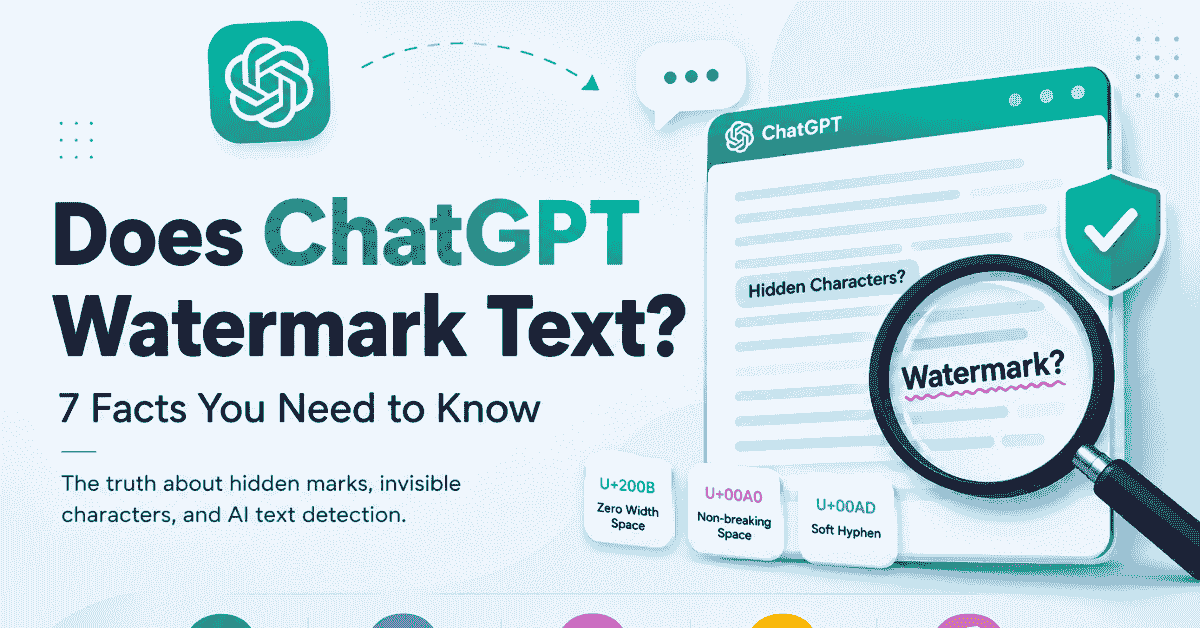
Does ChatGPT Watermark Text? 7 Facts & How to Check
Umair Tufail2026-09-0110 min read
does ChatGPT watermark textChatGPT hidden charactersAI text watermark detector
Welcome to the CountFlows blog, your ultimate resource for text analysis, AI formatting fixes, and professional writing conventions. Whether you are learning how to accurately count syllables, fixing ChatGPT formatting glitches, or mastering programming naming styles like camelCase and snake_case, our research-backed guides provide the clear, practical answers you need. Pair our tutorials with our suite of free online tools to write, format, and analyze text faster.
42 articles
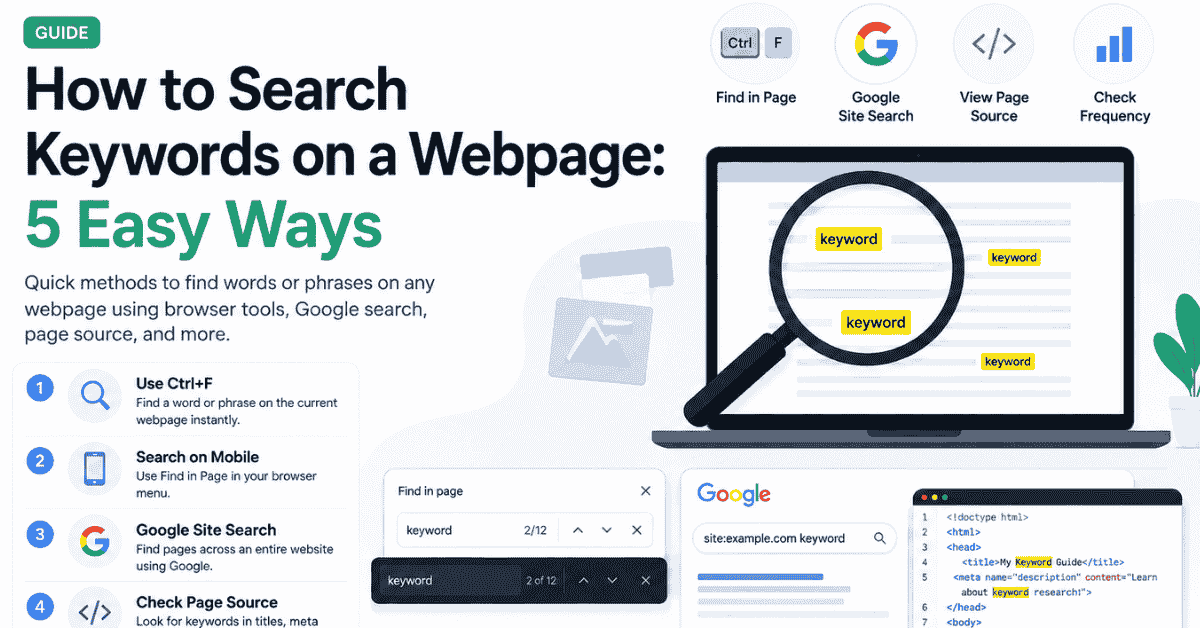


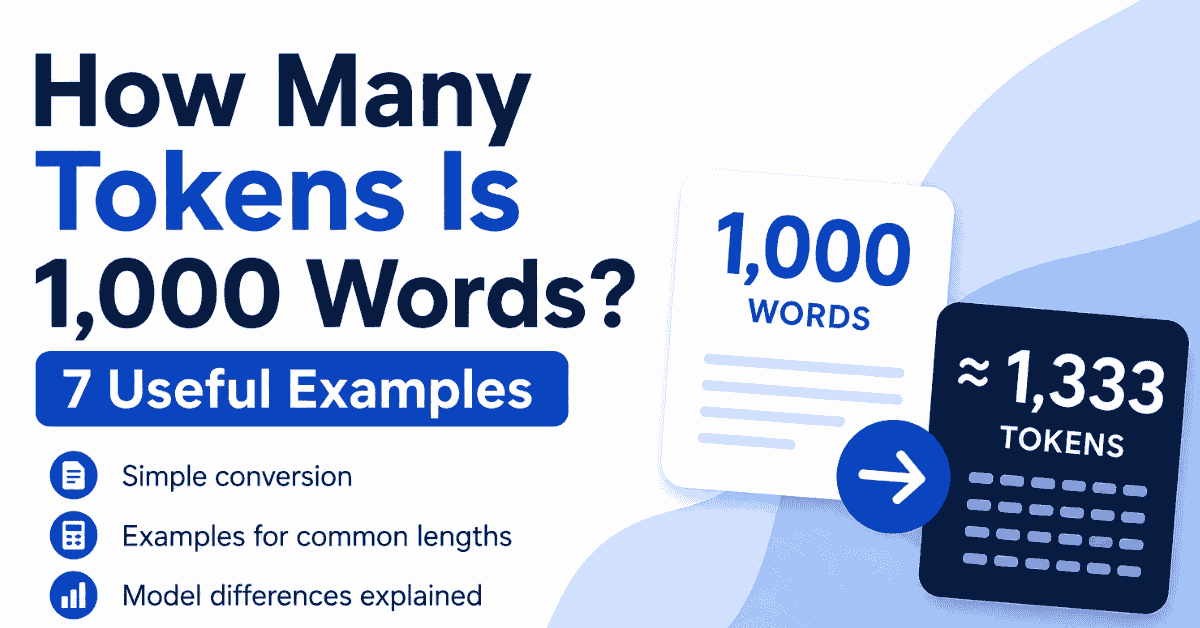
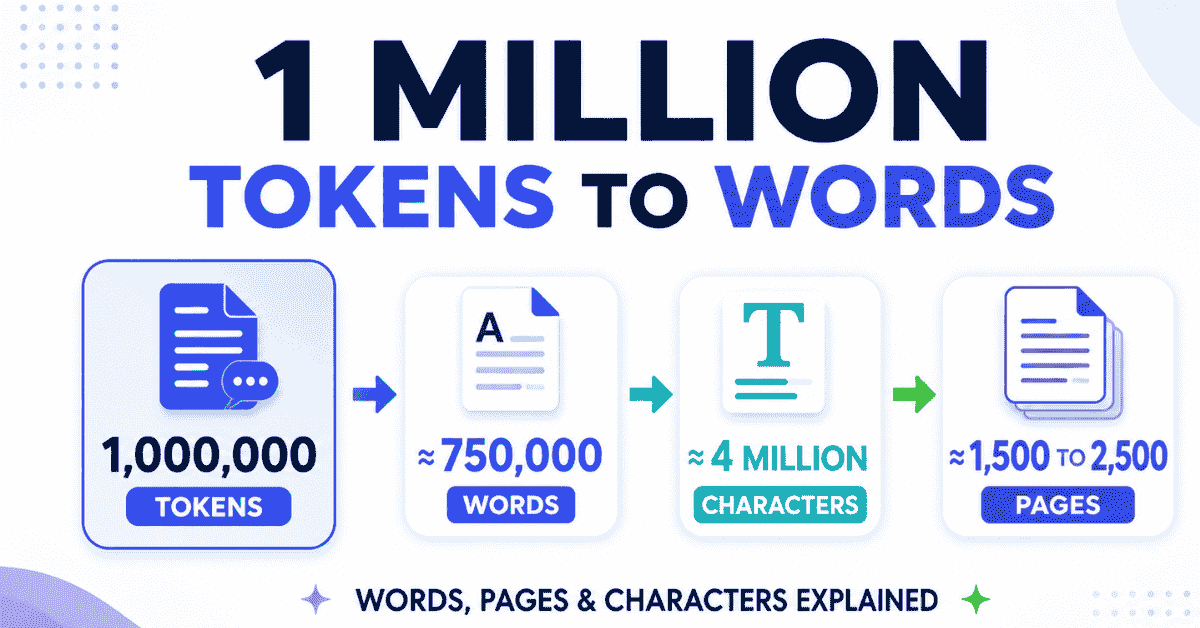
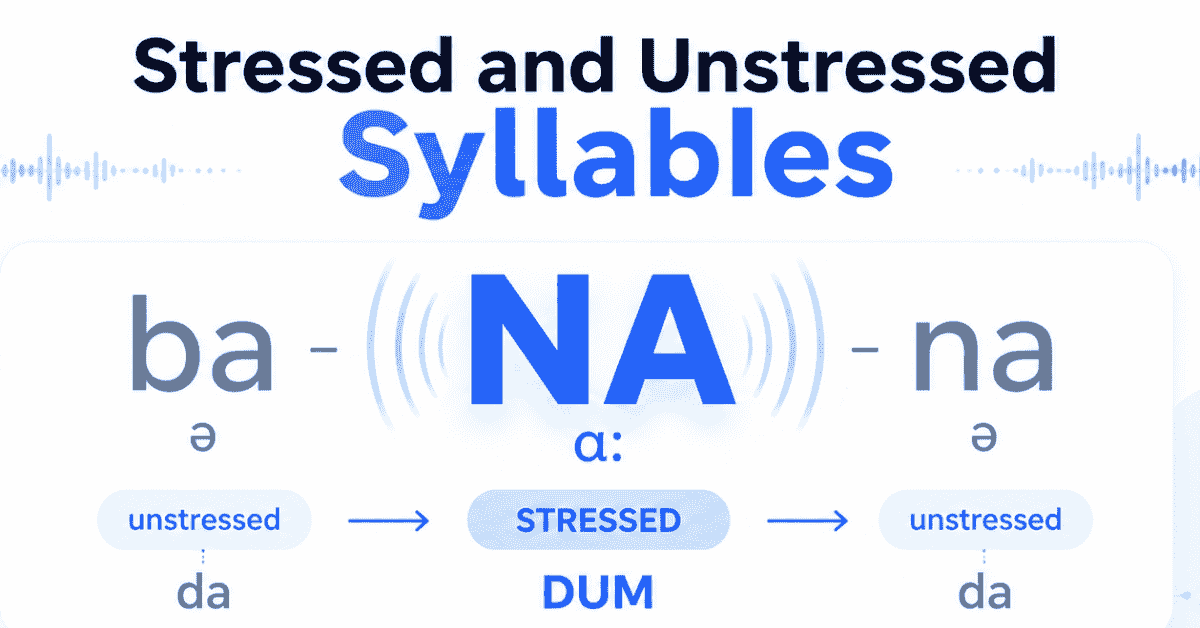
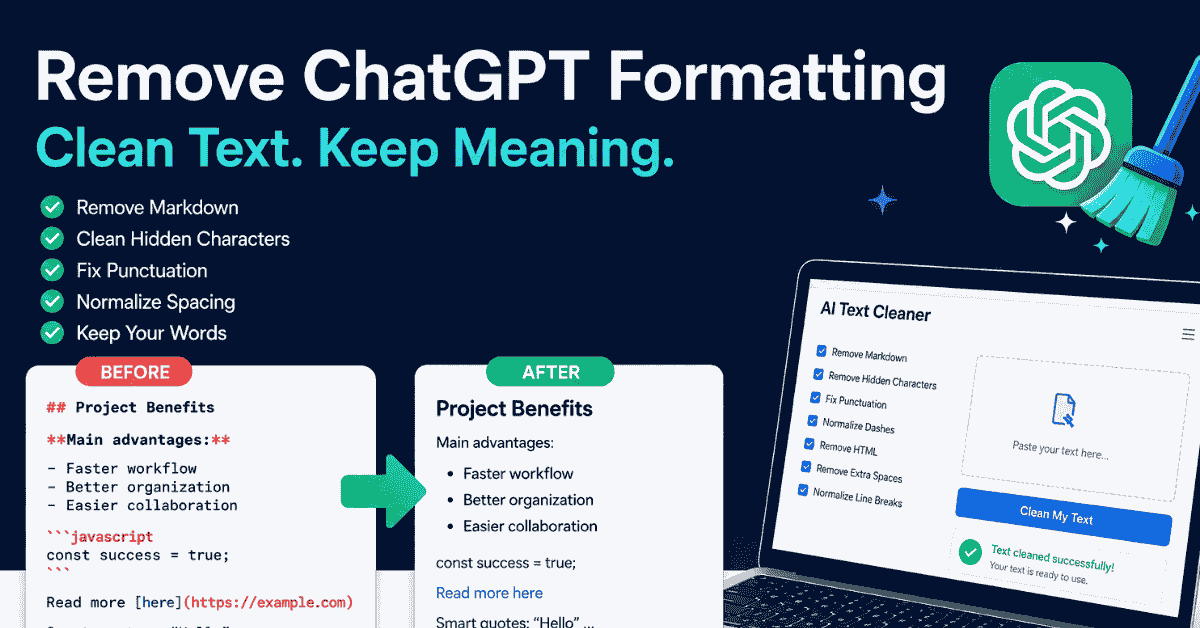
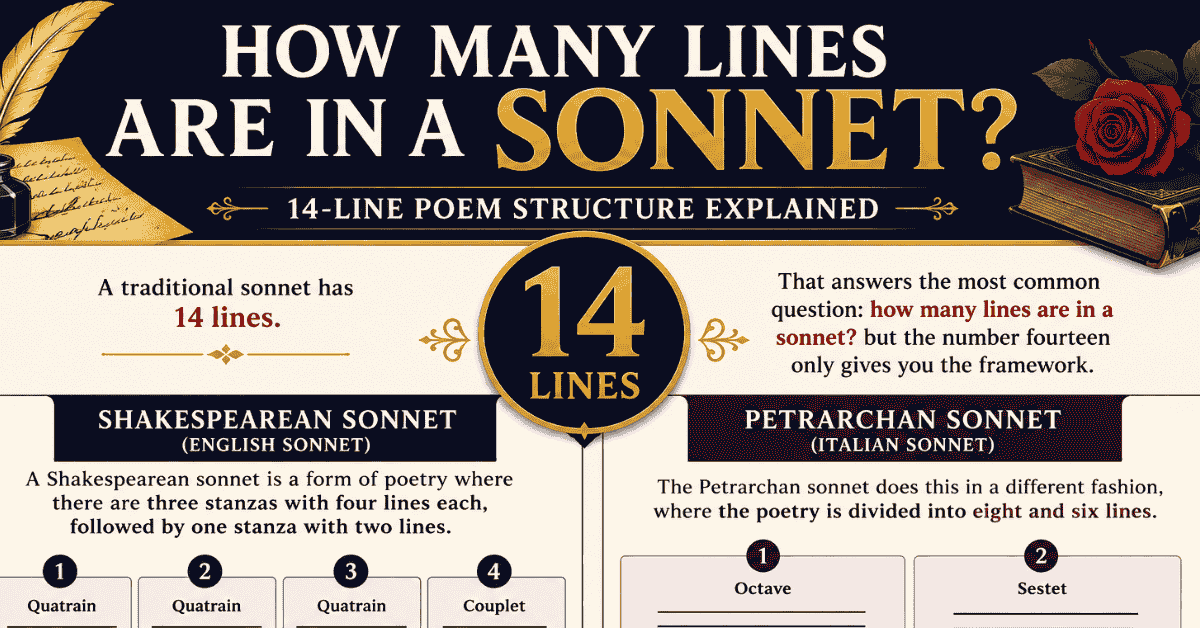
We publish in-depth guides covering text formatting, grammar rules, AI tool limitations, and developer naming conventions. Popular topics include syllable division rules, removing AI markdown, and understanding token limits in large language models.
Yes! Every tool mentioned in our blog—from the Case Converter to the AI Text Cleaner and Syllable Counter—is 100% free. They run entirely in your browser, ensuring your text is processed securely and instantly without being sent to external servers.
Our blog features comprehensive guides on identifying and removing AI artifacts like overused em dashes, bold asterisks, and non-breaking spaces. We recommend pairing these guides with our AI Text Cleaner to automate the formatting process.